
Artist WhatsApp Channels: Find Fans, Turn Engagement Into Growth

The fastest way to find active WhatsApp channels for artists is through the Updates tab inside WhatsApp, where you can browse the Channels directory and follow creators directly. You’ll also find invite links shared on artist Instagram bios, Linktree pages, and event listings. Verified or promoted channels tend to surface faster in search, so open the Updates tab now and start following.
TL;DR:
- WhatsApp promotes some channels in Updates, so search visibility is not purely organic; a blue verification badge offers a useful trust check.
- Following a channel requires no approval, while joining a group may depend on admin settings; creating a channel requires a WhatsApp Business account.
- Channel subscriptions renew monthly at a price set by the owner, but artists should build an active free audience before introducing paid content.
- Use Channels for broadcast updates and Groups for discussion or collaboration; post predictably, and archive groups created for individual events afterward.
- WhatsApp works best for warm fans rather than stranger discovery; attract people through social channels or newsletters before inviting engaged followers into the community.
Table of Contents
- Where to Look for Artist Channels and Groups
- How to Join, Follow, or Create Your Own Channel
- How Artists Can Earn Money Through WhatsApp Channels
- Running a Channel That Actually Works for Artists
- Where WhatsApp Fits in Your Artist Growth Stack
- Bringing WhatsApp Channel Growth Into UpNComer
- FAQ
- Sources
- Useful Sources
Where to Look for Artist Channels and Groups
WhatsApp built the Updates tab specifically to help you discover creators and organizations without digging through personal chats, and it launched this feature globally as part of the broader push to turn Channels into a real discovery surface. Open the Updates tab, tap the search icon, and browse categories like music, art, or entertainment to see what’s active in your niche.

Promoted Channels are another layer worth understanding. WhatsApp surfaces certain channels more prominently in the Updates tab as part of ongoing work to help people find relevant channels and businesses, which means a channel’s visibility isn’t purely organic. That’s useful context if you’re hunting for active communities and keep landing on the same handful of names.
Beyond WhatsApp’s own directory, the real work happens outside the app:
- Check artist Instagram bios, Linktree pages, and gallery or venue websites for direct invite links.
- Scan event pages and festival newsletters, since many organizers now drop a WhatsApp link alongside ticket information.
- Search Discord servers and relevant Reddit communities, where invite links often get reposted by members.
- Look for a blue verification badge, since verified channels are easier to trust and often rank better in search results.
That verification badge comes from Meta Verified or Meta One for Business, and it’s worth understanding before you assume every polished-looking channel is legitimate.
How to Join, Follow, or Create Your Own Channel
Joining is simple. Following requires a couple more decisions if you’re the one starting the community.
- Open the Updates tab and tap a channel name, or click an invite link shared on social media or an event page.
- Tap “Follow” to start receiving updates, no approval needed from the admin.
- For groups, tap the invite link and select “Join Group,” which may require admin approval depending on settings.
- To create your own channel, switch to a WhatsApp Business account, open the Updates tab, tap the plus icon, and choose “New channel.”
- For tighter collaboration, create a separate invite-only group rather than a public channel, since groups support two-way conversation and channels are broadcast-only.
Admin work matters once your channel grows. WhatsApp lets you invite or dismiss additional admins, transfer ownership if you step back, and you should enable two-step verification to protect the account, since invited admins can see the inviter’s phone number during that process.
Pro Tip: Run your artist channel through a WhatsApp Business account rather than a personal number. You’ll unlock verification options and keep your personal contacts separate from your fan base.
How Artists Can Earn Money Through WhatsApp Channels
WhatsApp Channels support paid monthly subscriptions, and as the channel owner, you set your own price. These subscriptions renew automatically each month and are governed by the Channels Subscriber Terms, which spell out how billing, cancellation, and subscriber management work.
In practice, that opens a few real paths to revenue:
- Exclusive tutorials or process breakdowns available only to paying subscribers.
- Early access to ticket drops, merch releases, or limited-run workshops.
- Behind-the-scenes content that rewards your most engaged fans for staying subscribed.
A channel subscription model lets fans pay you directly for content they can’t get anywhere else, which turns a free community into recurring revenue once you’ve built real engagement.
Don’t flip the subscription switch on day one. WhatsApp performs best as a retention and engagement tool, not a cold-acquisition channel, so build a free, active group first and layer in paid tiers once people are already showing up consistently. If direct sales fit your model better, turning a handful of engaged fans into real revenue through drops and commissions often works alongside a subscription, not instead of one.
Running a Channel That Actually Works for Artists
Treat Channels and Groups as two different tools. Use a Channel for one-way announcements, release dates, and tour news. Use a Group when you want actual back-and-forth, like critique sessions or coordinating with collaborators on a project.
- Keep your admin team small and pull them from people you already trust in your network.
- Set clear posting rules up front so the space doesn’t turn into noise.
- Publish on a predictable schedule, even if it’s just once a week, so followers know when to check back.
- Promote your channel link through social posts, a QR code at merch tables or shows, and a call to action in your newsletter.
- Spin up a temporary, event-specific group for things like a single show or a pop-up, then archive it once the event wraps.
Artists and organizers already lean on this exact split in real-world settings. WhatsApp functions as a high-touch tool for art fairs and pop-up events, with persistent channels handling catalog announcements and short-lived groups managing the chaos of fair week. A QR code placed at your merch table or show entrance makes that signup frictionless, and tracking which source drove the scan tells you what’s actually converting.
Pro Tip: Watch which posts get replies, forwards, or subscription sign-ups, then double down on that content type instead of guessing what your audience wants next.
Where WhatsApp Fits in Your Artist Growth Stack
WhatsApp isn’t built for mass discovery, and treating it that way wastes its best quality: intimacy. It shines once someone already knows your work and wants a closer connection, not as the first place a stranger finds you.
A sequence that tends to work: pull warm fans in through social and your newsletter, deepen the relationship in a Discord server built for sustained conversation, then invite your most engaged members into an exclusive WhatsApp channel. That funnel mirrors what other artist communities have found effective, moving people from broad, public spaces into smaller, higher-trust ones. By the time someone lands in your WhatsApp channel, they’re a strong candidate to become a paying subscriber, not a cold lead you’re trying to convert.
— Karan
Bringing WhatsApp Channel Growth Into UpNComer
Running a WhatsApp channel well means knowing who’s engaging, what’s converting, and when to launch your next drop, which can be easier with a system that centralizes data across your socials, newsletter, and community platforms.
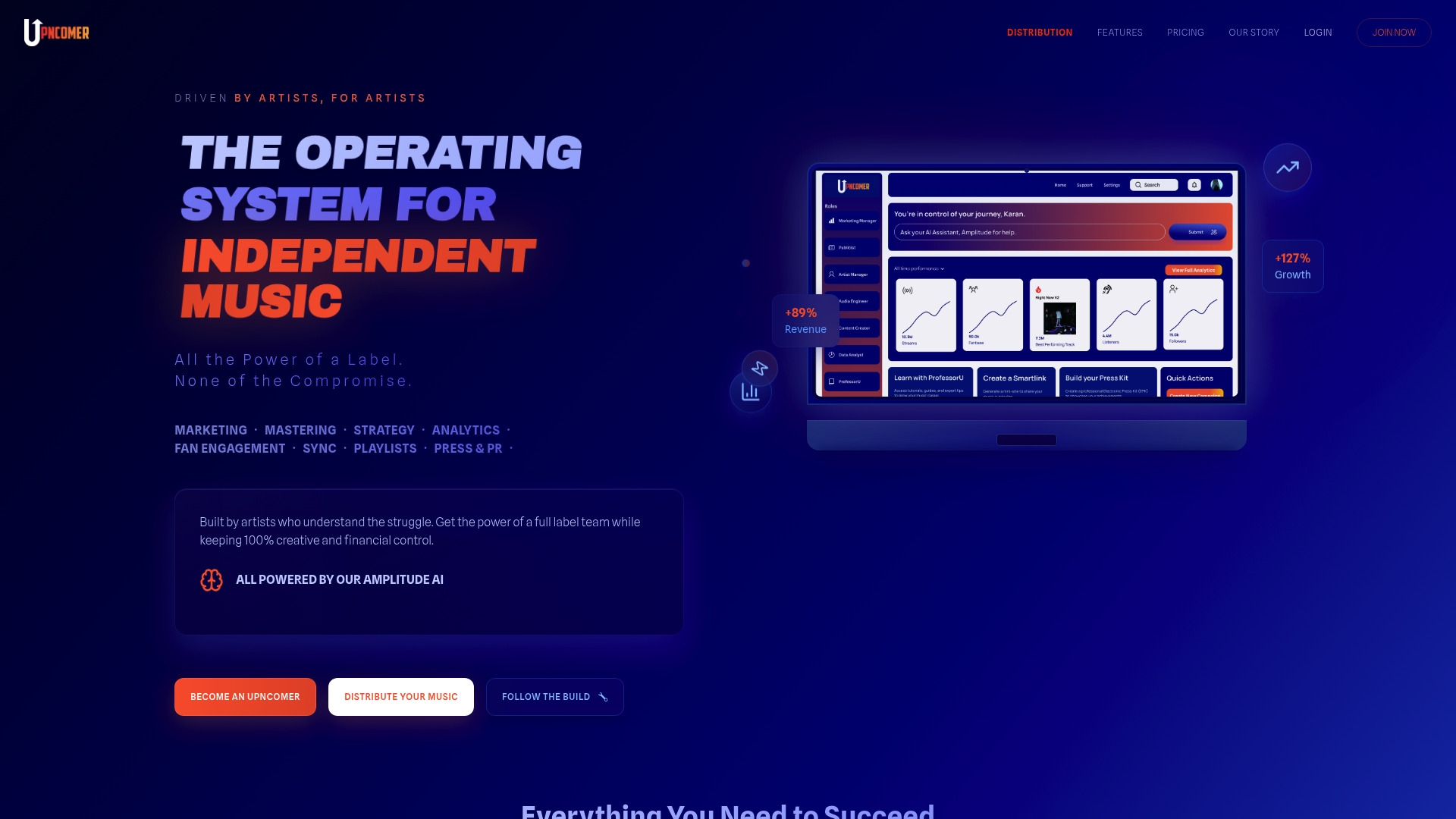
- Growth Engine helps us plan and run the campaigns that drive new followers to your channel in the first place.
- Amplitude AI turns your audience activity into clear next steps, so you’re not guessing what content earns a subscription.
- Fan engagement tools can help track who’s opening, clicking, and converting across various touchpoints, including links shared in WhatsApp.
- Distribution keeps your release strategy connected to the same audience you’re building inside your channel, royalty split, no subscription fees.
If you’re ready to connect your WhatsApp community to a real growth system instead of managing it in isolation, UpNComer Pro starts at $27 per month, or $300 per year, and gives you the full toolkit to turn channel followers into a sustainable, data-driven fan base.
FAQ
How do you make channels on WhatsApp?
Switch your account to WhatsApp Business, open the Updates tab, tap the plus icon, and select “New channel.” Name it, add a profile photo, and you can start posting immediately since channels are broadcast-only and don’t require follower approval.
Can I earn from a WhatsApp group?
Standard groups don’t support built-in payments, but WhatsApp Channels do through the Channels Subscription feature, where you set a monthly price and fans pay for exclusive content. Many artists use groups for free community building and reserve paid tiers for a dedicated channel.
What are good group names for an artist WhatsApp community?
Good names are specific to your niche and easy to search, like “Indie Folk Collective,” “Beatmakers Lounge,” or “Gallery Open Studio Nights.” Avoid generic names since a clear, descriptive title helps new members find you inside the Channels directory.
Where can I find groups on WhatsApp?
Check the Updates tab’s Channels directory, along with invite links shared on artist Instagram bios, Linktree pages, event listings, and newsletters. Discord servers and music-focused Reddit communities also frequently share active WhatsApp invite links worth following.
Sources
- WhatsApp Channels Subscription Subscriber Terms of Service
- WhatsApp Channels Are Going Global (Meta blog)
- How WhatsApp became the art world’s favourite tool…and how we’re using it! (ARTSVP)
Useful Sources
Official WhatsApp help pages, subscription terms, and practitioner articles on artist community building informed this guide.