Musicians: 7 Active Discord Communities and a 3 Minute Checklist
If you want real momentum this week, start with Musician Universe for collaboration, /adrii for producer feedback and beat competitions, and Musicord if you want a bigger, general music discovery crowd. Click the invite, scroll the welcome and announcements channels, and check when the last message actually landed. If people posted in the last day and an event is on the calendar, that’s your signal to jump in.
TL;DR:
- Active servers should have recent messages in main channels and moderators who have posted within the last 48 hours to indicate genuine engagement.
- Look for scheduled recurring events like weekly hangouts, feedback sessions, or contests, as these foster ongoing participation and community building.
- Proper onboarding, clear rules, and well-organized channels such as feedback and collab spaces are essential for a productive musician server.
- Introducing yourself with a succinct message and participating in voice chats can help you build relationships without appearing spammy.
- Using automation tools like role assignment and event reminder bots supports moderation but requires active human presence for a genuine community feel.
Table of Contents
- Shortlist of active musician Discord servers and what each specializes in
- How to evaluate and pick the right music Discord server for your goals
- How to join, set up your profile, and introduce yourself so you get noticed without spamming
- Server setup basics musicians should expect or create (channels, roles, Forum channels)
- Engagement tactics, events, and growth strategies that keep music servers active
- Bots, integrations, and moderation tools musicians should expect (automation that saves time)
- What owning your Discord community means for long-term artist growth
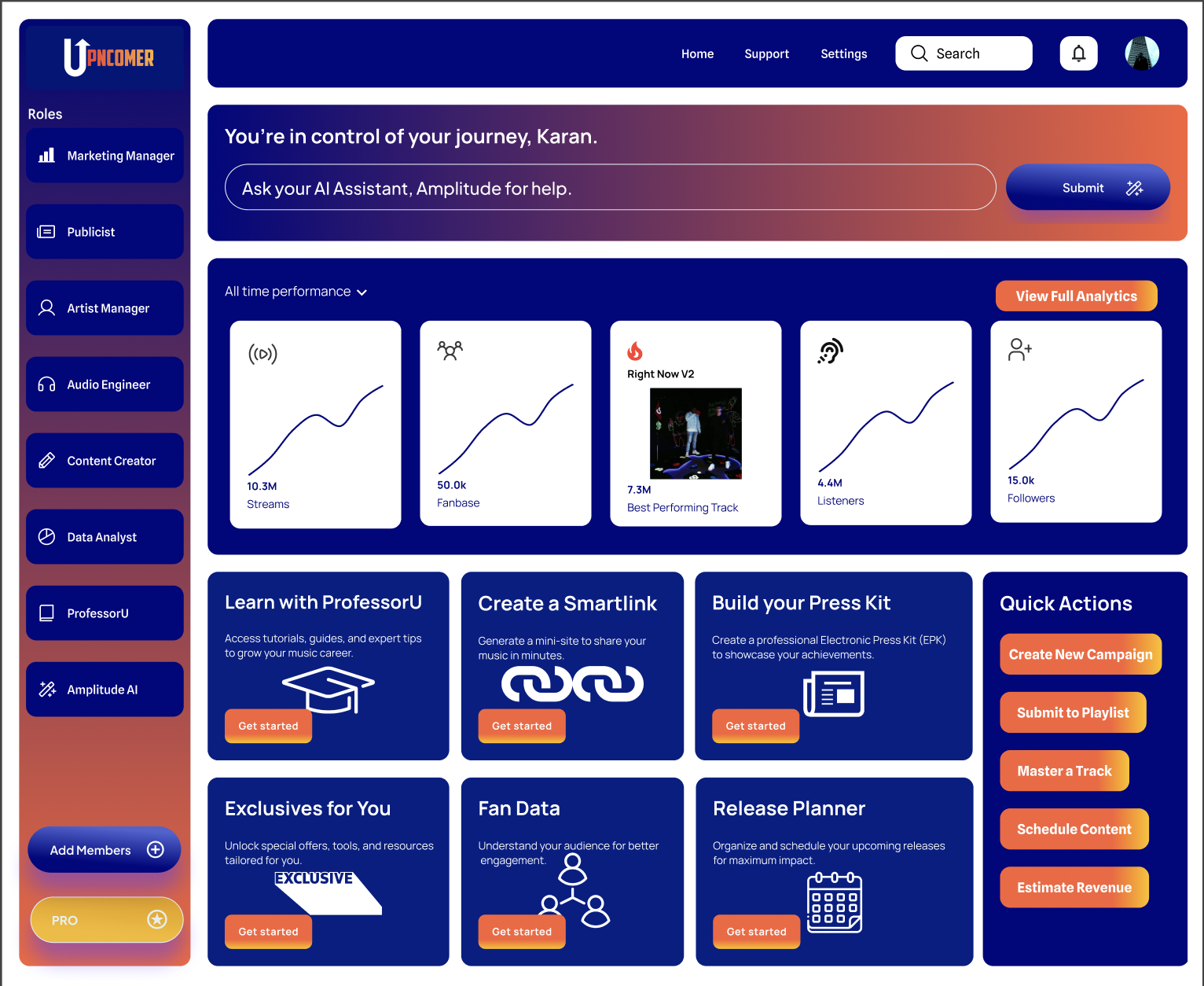
- Where UpNComer fits once your Discord community starts growing
- Sources
- FAQ
Shortlist of active musician Discord servers and what each specializes in
Every server on this list solves a different problem. Some are built for collaboration, some for learning production, some for fan discovery. Picking the right one starts with knowing what you actually need this month.
Musicord leans toward broad music discovery and social listening. It’s one of the larger public music communities, so you’ll find general discussion, shared tracks, and recommendation threads rather than tight-knit collaboration. Good starting point if you want exposure to a wide crowd.
Musician Universe runs on structure. Expect weekly events like open-mics and composition challenges that pull members out of lurking and into actual participation. If you want deadlines and accountability, this is a strong fit.
/adrii is built for producers and beat-makers. The server runs regular producer competitions and project-file sharing, with weekly events, giveaways, and channels where members trade presets and loops instead of just talking about them.
Musician’s Outpost functions as a networking hub. Voice channels stay active for casual jamming, and meetup-style events help you find collaborators without the pressure of a formal pitch.
Prod. By supports production learners at every level, from total beginners to working engineers. Its production-help channels and sizable membership make it a solid place to get feedback on a mix.
Vine(yl)💽 avoids the self-promotion grind. It’s a curated discovery space built for genuine conversation about music, not just link-dropping.
Musicians Nexus covers broad skill-networking across instruments and roles, with scheduled talent showcases that give members a reason to keep showing up.
Beyond these seven, you’ll come across servers like Lofi Girl, Rythm, Suno, LimeWire, Dadscord, Soundboard Community, Spider’s Web, Grow a Garden 2, Willyrex!, GIF SHARE, Arena AR, and asulα 🤍🌸 chat when browsing directories. Treat these the same way you’d treat any unfamiliar server: check activity before committing time.
- Best for collaboration: Musician Universe or Musician’s Outpost.
- Best for production feedback: Prod. By or /adrii.
- Best for broad discovery: Musicord or Vine(yl)đź’˝.
- Best for cross-instrument networking: Musicians Nexus.
To vet any of these fast, start in #welcome, then check #introductions for recent posts, then look at the event calendar or pinned announcements. Server directories like Disboard list musician-tagged communities with descriptions and invite links, which makes them one of the fastest ways to compare surface-level activity before you click join.
How to evaluate and pick the right music Discord server for your goals
Not every server that looks active actually is. A big member count means nothing if the last real conversation happened three weeks ago. Run this checklist before you invest time in introducing yourself or sharing your work.
- Check the timestamp on the last few messages in the main chat and in #introductions.
- Scroll pinned posts for rules, event schedules, or recent announcements.
- Look for moderators or admins who’ve posted or reacted in the last 48 hours.
- Confirm there’s a repeatable event cadence: weekly, biweekly, or monthly.
- Match the genre or role focus to your own (a hip hop production server won’t help a folk singer-songwriter much).
Red flags show up fast once you know what to look for: channels with dozens of members but zero recent messages, a culture that feels combative or clique-heavy, a wall of unanswered self-promotion posts, or rules that are vague or missing entirely. Any one of these is a reason to keep browsing.
Pro Tip: Give a server a three-minute scan first (welcome channel, latest messages, pinned rules) and only invest a full 30 minutes exploring voice channels and events if that quick check passes.
The 30-minute deeper check is worth doing before you treat a server as a real part of your routine. Sit in a voice channel during an active hour and see who’s actually talking. Read a few feedback threads to judge tone: are people constructive, or just critical? Ask a simple question in general chat and see how long it takes to get a real response. That response time tells you more about a community’s health than its member count ever will.
How to join, set up your profile, and introduce yourself so you get noticed without spamming
Getting noticed in a musician Discord isn’t about posting your Spotify link the second you join. It’s about showing up like a person first.
- Read the rules channel in full before posting anything, since most servers gate posting privileges until you do.
- Complete the role selection or onboarding flow so you land in the right channels for your genre or skill level.
- Fill your profile with a real username (not a random tag), a banner or avatar tied to your artist identity, and one link if the server allows it in bios.
- Post a short intro: your name, your genre, one thing you’re working on, and one thing you’re looking for (feedback, collaborators, gigs).
- Skip the temptation to drop a full track link in your first message. Earn a few real conversations first.
A first-post template that works almost everywhere: “Hey, I’m [name], I make [genre] under the name [artist name]. Currently working on [project], and I’m here mostly for [feedback / collaboration / just to hang].” It’s short, gives people something to respond to, and doesn’t read as a pitch.
Voice channel etiquette matters more than people expect. Mute yourself when you’re not talking, don’t jump into an ongoing conversation without a beat to read the room, and if you’re sharing a track for feedback, ask first rather than blasting it into a live channel.
Pro Tip: Save your intro template in a notes app so you can adapt it quickly every time you join a new server instead of writing one from scratch.
Server setup basics musicians should expect or create (channels, roles, Forum channels)
A well-run musician server has a channel map that makes sense the moment you land in it. At minimum, expect to see:
- #welcome and #rules for orientation.
- #announcements for drops, events, and server news.
- #introductions where new members post their first message.
- #feedback or a dedicated forum for critiques.
- #collab or #lfg (looking for group) for finding co-writers, producers, or session players.
- #off-topic for the casual stuff that keeps a community feeling human.
Forum channels deserve special attention because they solve a problem regular text chat can’t. Discord’s own announcement of Forum Channels describes them as a way to create organized, meaningful conversation without one topic drowning out another, using tags, post guidelines, and default reactions to keep things structured. For musicians, that means a feedback forum where each track gets its own thread, tagged by genre or by status like “needs mixing help” or “finished,” instead of getting lost in a scrolling wall of chat.
Discord’s broader guide to Forum channels makes the same point: thread-based archiving and tag categorization keep discussions searchable long after they happen, which matters a lot more for a feedback thread than for a one-off chat message.
Role hierarchy tends to follow a simple pattern: everyone starts as a general member, then unlocks producer, vocalist, or genre-specific roles through onboarding, and long-time or highly active members earn a supporter or contributor role that gates access to things like early listening rooms or collab-only channels.
Engagement tactics, events, and growth strategies that keep music servers active
Servers stay alive because of rhythm, not size. The ones that keep members coming back run repeatable formats members can plan around.
- Listening parties, where members queue tracks and react live in a voice or text channel.
- Live jam sessions over voice, informal and low-pressure, built for discovery rather than performance.
- Feedback drops, a scheduled window where members post work-in-progress tracks for critique.
- Beat battles or composition challenges, with a simple prompt and a deadline.
- AMAs with an established member or guest artist.
- Release-day activations, where the whole server rallies around a member’s drop with streams, shares, and comments.
Guides on running artist communities point to the same pattern: servers that combine scheduled events with visible moderator presence tend to sustain engagement better than ones running on autopilot. Weekly rituals like a listening party give people a reason to return, but pairing that with unannounced moments (a quick studio session in voice, a spontaneous “making-of” clip) keeps the server feeling alive between the scheduled stuff.
Incentives work best when they feel earned rather than transactional. Exclusive stems for active contributors, early access to a new release, or a supporter role that unlocks a private collab channel all reward participation without turning the community into a paywall.
Pro Tip: Pair every scheduled event with one cross-promotion moment, like spotlighting a member’s track in announcements right after a listening party, so engagement compounds instead of resetting each week.
If you’re timing a release around one of these events, coordinating it with playlist placement can extend the momentum well past the server itself, which is worth thinking through alongside your Release Radar placement strategy.
Bots, integrations, and moderation tools musicians should expect (automation that saves time)
Healthy music servers lean on a handful of bot categories to stay manageable as they grow.
- Event scheduling bots that post reminders and let members RSVP to listening parties or jam sessions.
- Role assignment bots tied to onboarding, so new members self-select genres or skill levels without a moderator doing it manually.
- Anti-spam and moderation bots that catch link floods and repeat self-promotion before a human has to step in.
- Music-preview or queue bots for voice channels where members want to share tracks live.
Discord’s own community documentation describes how onboarding flows let new members accept rules and self-assign roles on join, which scales moderation without adding more human workload. That said, automation should support moderators, not replace them. The best servers pair bots with real people who show up, answer questions, and set the tone, since a fully automated community tends to feel hollow fast.
What owning your Discord community means for long-term artist growth
Algorithm platforms can disappear from your feed overnight. A Discord server you’ve built and actually show up in is a channel nobody can throttle, which makes it one of the more durable investments in an independent career. Budget an hour or two a week, not more, and treat that time as relationship-building rather than promotion. The return isn’t instant, but a smaller group of people who know your name compounds into something a passive follower count never does.
— Karan
Where UpNComer fits once your Discord community starts growing
Discord gives you the relationships. What it doesn’t give you is a dashboard connecting those relationships to your streaming numbers, your ad spend, or your release timeline. That’s the gap UpNComer is built to close.
Once your server has real activity, an integrated platform can help you turn that momentum into a repeatable system instead of a manual grind.
- Growth Engine and Amplitude AI help you plan campaigns around your Discord events instead of guessing when to push.
- Fan CRM and streaming analytics tools let you see whether your server members are actually converting into streams, saves, or merch sales.
- Distribution ties your release calendar to the same activations you’re already running in Discord, without needing a separate agency.
Manual management works fine while your server is small. The moment you’re juggling event calendars, ad campaigns, and streaming data across five browser tabs, it’s worth checking whether a unified system saves more time than it costs. UpNComer Pro runs $27 per month or $300 per year, and distribution comes with no subscription fee, just a 6% royalty split on what you release through the platform, according to UpNComer’s distribution page. If you’re weighing how communities turn into income streams more broadly, this playbook on monetizing music communities is a useful complementary read. Check UpNComer’s pricing page to see which plan fits where your Discord community is headed next.
Sources
- Discord forum channels guide — Forum channels and Community onboarding
- Discord servers tagged with musicians
- /adrii - Discord Server | Events & Content Creator
FAQ
What is the best Discord server for independent musicians to join first?
There’s no single best server, since it depends on your goal. Musician Universe suits collaboration and weekly events, /adrii suits producers who want feedback and beat competitions, and Musicord suits general music discovery for a wider audience.
How do I know if a music Discord server is actually active?
Check the timestamp on recent messages in the main chat and #introductions, look for pinned event schedules, and confirm moderators have posted or reacted in the last couple of days. A large member count with no recent activity is a sign to keep browsing.
What are Forum channels and why do music servers use them?
Forum channels organize discussions into tagged, searchable threads instead of one continuous chat feed. Discord designed them for focused topics like feedback, which is why many music servers use them for critique threads instead of a general chat channel.
How do I introduce myself in a musician Discord without spamming?
Read the rules first, then post a short intro covering your name, genre, current project, and what you’re looking for, whether that’s feedback, collaborators, or conversation. Skip dropping full track links in your first message and let a few real exchanges happen first.
Can Discord communities replace streaming platforms for artist growth?
No, Discord and streaming platforms serve different jobs: Discord builds direct relationships with engaged fans, while streaming drives discovery at scale. Most independent artists use both, often coordinating a Discord event around a release to extend momentum from a playlist placement or ad push.