Indie Artists: Change Music Distributor and Keep Streams and Metadata

Article image

The safest way to switch distributors is to upload identical releases to your new distributor using the original ISRCs and UPC, wait for the platforms to link the new upload to your existing streams, and only then take down the old release. Skip a step and you risk splitting your play counts, losing playlist placements, or watching your catalog vanish for a few days. Do it in order and the transition is close to invisible to your fans.


TL;DR:

  • Using the same ISRCs, UPCs, and exact metadata in the proper sequence ensures seamless streaming history retention across platforms.
  • Confirm that the new release is linked to existing streams before requesting the old distributor’s takedown to avoid losing plays and playlist placement.
  • Reusing ISRCs requires genuine ownership or proper authorization, and any change to recording content necessitates a new code.
  • Wait at least five business days after re-uploading before initiating takedown procedures, and verify combined play counts on artist profiles.
  • Centralized metadata management and analytics tools can significantly reduce errors and facilitate smoother migration processes.

UpNComer
Keep Your Music Workflows Together
UpNComer brings analytics, metadata management, campaign tools, and workflow automation into one ecosystem for independent artists and music teams.

Table of Contents

Step-by-step migration workflow you can follow now

Switching distributors is a sequencing problem more than a technical one. Get the order right and platforms like Spotify and Apple Music treat the move as a non-event. Here’s the process:

  1. Export your metadata from the old distributor. Pull the ISRC for every track, the UPC for the release, exact track durations, songwriter and producer credits, and the original audio files.
  2. Re-upload to the new distributor using the same ISRCs and audio. Enter the original codes manually rather than letting the new platform generate fresh ones, and use the exact same master files you delivered the first time.
  3. Set the new release live with lead time. Deliver at least 5 business days before your intended live date so platforms have time to process and link the new upload before anything changes.
  4. Verify track linking and shared play counts. Check your artist profile on each major platform to confirm the new upload merged with the existing streaming history instead of creating a duplicate.
  5. Request takedown from the old distributor only after linking is confirmed. Pulling the old release too early, before the new one has taken over, is what causes artists to lose their stream counts.

A few things to keep in mind as you work through this:

  • Never change the audio file itself between distributors. Even a re-master or a different loudness level can break the match.
  • Keep the title, artist name, and duration identical, since platforms use these fields alongside the ISRC to confirm it’s the same recording.
  • Do this one release at a time if your catalog is large. Bulk migrations increase the odds of a metadata typo slipping through.

Spotify Community guidance on this exact scenario recommends this upload-first, verify-then-takedown order, and notes that distributors including DistroKid let you manually enter existing ISRCs on upload, which is the detail that makes the whole process work.

Why ISRC, UPC, and exact metadata preserve streams

Your ISRC is the fingerprint attached to a specific recording, not to a release or a distributor. According to the ISRC handbook from IFPI, only the rights owner or an authorized ISRC Manager can assign one, and a materially changed recording, like a new mix or edit, requires a brand-new code. A simple metadata fix, like correcting a misspelled songwriter credit, does not.

The UPC works one level up: it identifies the release as a product, which is how retail and streaming systems recognize the album or single as a single entity across platforms.

A few technical realities worth knowing before you migrate:

  • Distributors vary in whether they push your ISRC into the public International ISRC Database, so confirm your registrant records before you rely on them.
  • Reusing an ISRC only works if you’re the actual owner or a licensee authorized to reuse it.
  • Mismatched durations or altered titles are common reasons linking fails even when the ISRC is correct.

Fresh registrations can take time to appear. ISRCs assigned through online services typically show up in the International ISRC Database after around 10 days, which matters if you’re checking registrant records mid-migration.

Pre-migration checklist: what to gather before you begin

Before you touch the new distributor’s upload form, collect everything in one place. This is the single biggest predictor of a clean migration.

  • Export every ISRC, the UPC, full metadata (titles, durations, artist name), and all songwriter and publisher credits.
  • Back up the exact audio masters and delivery files used on the original release, not a re-exported or re-mastered version.
  • Note your platform identifiers, including your Spotify artist URI and Apple Music artist ID, along with any playlist or PR contacts you’ll need to notify.
  • Confirm you legally hold the rights to reuse your ISRCs, either as the recording owner or an authorized licensee.

The MusicBiz ‘Metadata is Money’ whitepaper treats these fields as the backbone of both discovery and royalty collection, and missing even one of them is a common cause of distribution headaches. Our own music release checklist covers the same fields if you want a reusable template for future releases too.

How long to wait and step-by-step verification actions

Timing is where most artists get impatient and jump the gun on the takedown. Don’t.

  1. Deliver your re-upload at least 5 business days ahead of your target live date so platforms have room to process it.
  2. Once live, open your artist page on each major platform and look for duplicate listings instead of a single merged entry.
  3. Confirm the play count and album grouping match your pre-migration numbers rather than resetting to zero.
  4. If linking hasn’t happened within a few days, take screenshots of the mismatch and contact both distributors and platform artist support with that evidence.

Pro Tip: Expect minor fluctuations on algorithmic and popularity lists right after migration. Spotify Community reports suggest these typically settle within about 72 hours as the platform reprocesses the linked recording.

Troubleshooting: lost plays, split counts, and missing playlists

Even a careful migration occasionally hits a snag. Here’s how to fix the common ones:

  • If the platform created a new recording instead of linking, check for an audio fingerprint mismatch or a metadata difference, then contact support with your original ISRC as proof of ownership.
  • If playlist placements seem to have disappeared, reach out to the curators directly and open a support ticket that includes your metadata evidence on Radiumpayments alternatives.
  • If royalty reporting looks off after the switch, keep your delivery logs and reconcile them against both distributors’ reports, then request a manual correction if the numbers don’t add up.

Pro Tip: Escalate to platform artist support when linking itself is broken, and to distributor support when the issue is a delivery or reporting error on their end. Mixing up the two just adds delay.

How a unified artist OS can reduce migration friction

Most migration mistakes come from manual re-typing: a mistyped ISRC, a duration off by a second, a credit that didn’t carry over. Centralizing your metadata exports removes that risk before it starts.

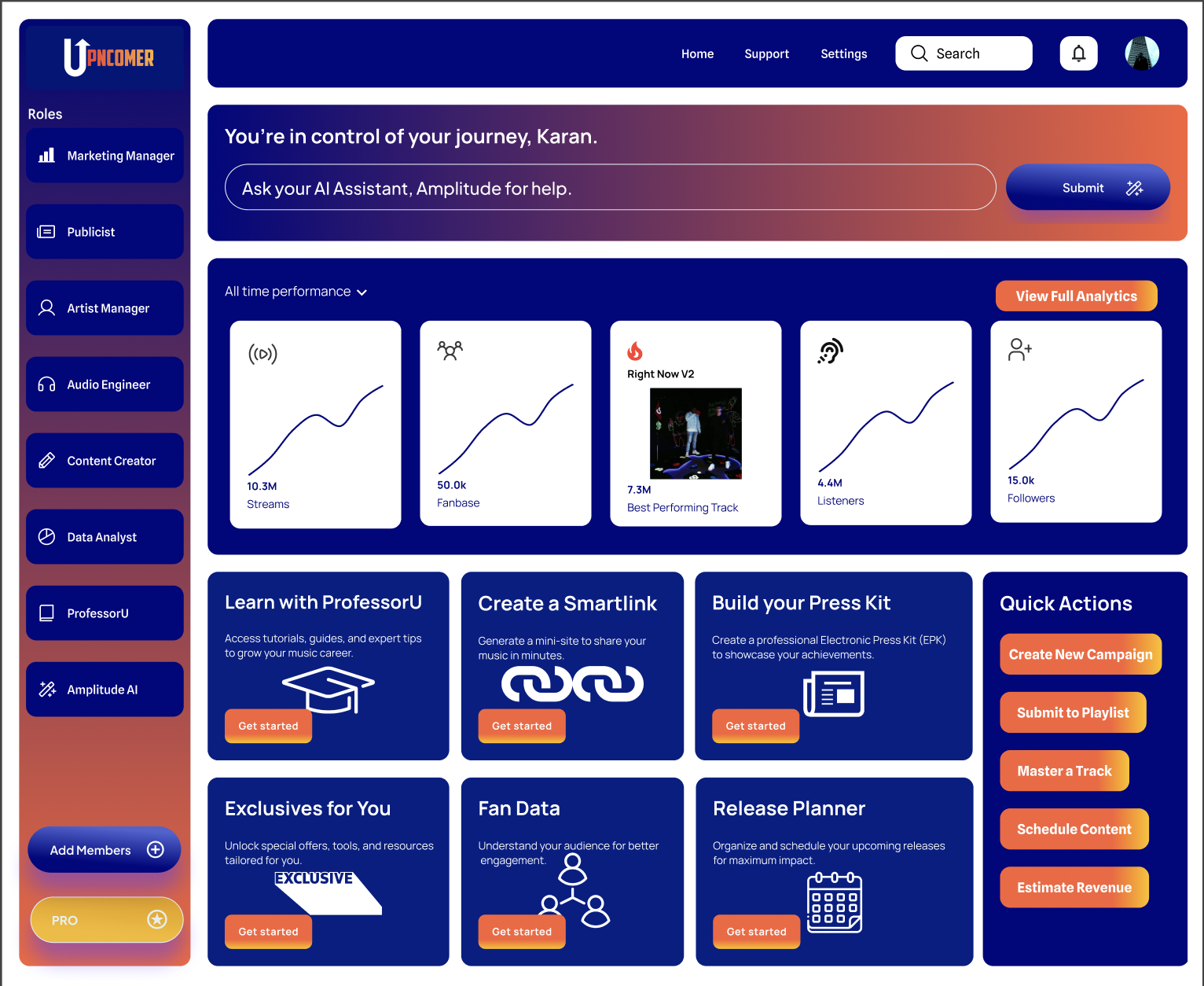
Inside UpNComer’s distribution module, ISRC and ownership records stay attached to your catalog, so it’s clear whether a code is yours to reuse or needs reassignment before you re-upload anywhere. Paired with streaming analytics, you can confirm shared play counts and track linking without manually checking artist pages one platform at a time, which is normally the slowest part of any switch.

Article image

Should you switch now? Strategic trade-offs for independent artists

Switching makes sense when the new platform gives you real gains in metadata control, reporting accuracy, or support response time, not just a lower fee. Hold off if you have an active playlist campaign or a release landing in the next few weeks, since migration always carries some short-term risk. Weigh the royalty split against what you actually get back in automation and analytics, our distribution model comparison breaks down how a few common setups differ on that trade-off.

— Karan

How UpNComer helps with migration

If you’re evaluating where to land, look for a platform that gives you direct ISRC control, clean metadata export, and analytics you can use to confirm linking yourself instead of guessing.

Article image

UpNComer’s distribution module keeps your ISRCs, UPCs, and credits attached to your catalog so re-uploads pull clean data instead of forcing you to retype anything, and it comes with no subscription fee, just a 6% royalty split on distributed revenue. Pair that with the analytics inside UpNComer Pro, starting at $27 per month or $300 per year, and you can verify track linking without checking every platform by hand. Check the distribution page to see if it fits your migration.

Sources

FAQ

How can I change my distributor?

Upload the same release, using identical audio and the original ISRCs and UPC, to your new distributor first, confirm the platforms have linked it to your existing streaming history, and only then request a takedown from your old distributor. Doing it in that order, as recommended in Spotify Community guidance, keeps your play counts and playlist placements intact.

What is the 35 year rule in music?

This isn’t a recognized music distribution or ISRC standard, and definitions vary depending on the context it’s raised in. If you’re researching a specific copyright termination provision, check the relevant national copyright office for the accurate rule in your country.

Can I use two different music distributors?

You generally shouldn’t distribute the same recording through two distributors at once, since it creates duplicate listings and splits your streaming data across separate entries. The safe approach is a sequential switch: new distributor live and linked, then old one taken down, rather than running both simultaneously.

Who are the top 5 music distributors?

There’s no single official ranking of top distributors, since artists choose based on pricing models, royalty splits, and feature sets rather than one universal standard. Compare distributors on ISRC handling, metadata control, and reporting transparency rather than by reputation alone.

Ready to Build Your Music Empire?