Best tools for managing multiple artists efficiently

Running a multi-artist operation as an independent manager is one of the most operationally demanding roles in the music industry. You’re tracking release schedules, chasing royalties, managing multiple personalities, coordinating with venues, and trying to keep fans engaged, all at the same time, often without the staff or budget that major label teams take for granted. The wrong tools don’t just slow you down; they actively cost you money and momentum. This guide walks you through the selection criteria, top platform options, financial tracking solutions, and practical recommendations to help your team run tighter and grow smarter.
Table of Contents
- Evaluating tools: What really matters for multi-artist teams?
- Top artist management and CRM tools: Features at a glance
- Handling finances and royalty analytics at scale
- Does a general platform or music-specific tool make more sense?
- Key lessons and actionable recommendations
- What most guides miss about multi-artist tool stacks
- Streamline your artist management with UpNComer
- Frequently asked questions
Key Takeaways
| Point | Details |
|---|---|
| Define your workflow needs | Fit the tool’s features and data structure to your actual management process before committing. |
| Compare specialized and general platforms | Music-specific tools are faster to set up but general platforms often scale better in the long run. |
| Don’t neglect financial analytics | Dedicated tools for royalties and revenue streamline payments and decision-making for multiple artists. |
| Phased adoption reduces risk | Test new tools with a small group first so you can spot misfits or gaps early on. |
Evaluating tools: What really matters for multi-artist teams?
Before diving into popular solutions, it’s critical to get clear on what actually matters for independent music teams. Picking a tool based on a shiny homepage or a friend’s recommendation is how you end up migrating everything six months later.
Here’s what genuinely matters when you’re managing multiple artists:
- Role-based access and central dashboards. Every artist on your roster has different team members, collaborators, and privacy needs. You need a tool that separates those contexts without forcing you to log in and out constantly.
- Contact and relationship management. From booking agents and playlist curators to radio producers and superfans, your contact list is a real business asset. The tool needs to treat it that way.
- Integrated communications. Email, SMS, and outreach tracking shouldn’t live in five separate tabs. Consolidation saves hours every week.
- Finance and royalties analytics. If you can’t see what each artist is actually earning, you can’t make smart decisions about where to invest time and money.
- Creative planning tools. Release calendars, content pipelines, and campaign timelines all need structure. Spreadsheets break down fast when you’re managing three or more artists simultaneously.
One area where independent teams often underinvest is relationship management. Dedicated artist CRM platforms are purpose-built for fan and relationship databases, and they layer in analytics and campaign execution so your outreach is actually tracked, not just sent.
The essential artist development components your roster needs, like audience growth, branding, and release planning, should all be reflected in whichever tool you choose. If the platform can’t support those workflows, it’s not the right fit no matter what the pricing page says.
Pro Tip: Before committing to any new platform, map out your three most critical weekly workflows on paper. Then test whether the tool handles all three without workarounds. If it fails even one, keep looking.
Also, don’t dismiss AI music creation tools as unrelated to management. Understanding what your artists are using creatively helps you plan content calendars and identify gaps in the production pipeline.
Top artist management and CRM tools: Features at a glance
With key selection criteria in mind, let’s look at the most popular tools available for music teams today.

TicketCRM is designed specifically for artists and performers. It offers a fan database, analytics, and marketing tools that let you segment your audience and run targeted campaigns. The focus on the artist-to-fan relationship makes it a strong choice if your priority is growing and monetizing your fanbase directly. It’s not the deepest tool for internal team coordination, but for outreach and fan tracking, it punches above its weight.
Folk (also known as Shyft in some contexts) approaches the CRM problem from a relationship graph angle. You can track every interaction with a contact, from the first email pitch to the latest show attendance, and see outreach performance analytics alongside social integration. It’s particularly useful for managers who treat their contact list like a living business asset.
IndiePro (IndieCRM by Indepreneur) positions itself as an all-in-one marketing platform with contact management, audience segmentation, and marketing automations built in. It’s designed for indie musicians and their teams, which means the terminology and default workflows actually make sense in a music context without requiring you to build everything from scratch.
Airtable and Softr-based stacks are not music-specific, but they’re used by some of the biggest teams in the business for a reason. They’re endlessly customizable, scalable, and integrate with almost everything. The trade-off is setup time and ongoing maintenance.
| Tool | Multi-artist support | Analytics | Outreach/Email | Best for | Pricing model |
|---|---|---|---|---|---|
| TicketCRM | Moderate | Fan/audience | Yes | Fan engagement | Subscription |
| Folk/Shyft | Strong | Contact/outreach | Yes | Relationship management | Per seat |
| IndiePro | Moderate | Marketing | Yes (automated) | All-in-one indie ops | Subscription |
| Airtable | Very strong | Custom | Via integration | Custom team setups | Freemium + tiers |
| Softr | Very strong | Custom | Via integration | Visual portals | Subscription |
Pro Tip: If you manage more than four artists, test any tool’s multi-artist structure before you pay. Ask for a demo where you simulate switching between artist profiles and see how the data stays separated. Some platforms look clean until you have real data loaded.
The best music campaign management tips assume you already have a working system for tracking what’s been sent, to whom, and when. If your CRM can’t show you that at a glance, your campaigns will always feel like shouting into a void.
Handling finances and royalty analytics at scale
Beyond relationship management, financial and royalty analytics are essential for sustainability and fair payouts in multi-artist teams.
This is where a lot of independent managers quietly struggle. You might be great at booking and outreach, but if you can’t clearly tell each artist how much they earned this quarter, from which platforms, in which territories, you’re leaving trust on the table. And trust, once broken with an artist, is very hard to rebuild.
Here’s what a solid royalty analytics workflow looks like at the multi-artist scale:
- Import distributor data regularly. Most distributors let you export earning reports as spreadsheets or TSV files. The question is whether you’re actually doing it and organizing it per artist.
- Visualize trends over time. A single month’s numbers mean almost nothing. You need quarter-over-quarter comparisons to understand whether a release campaign actually worked.
- Separate streams by platform. Spotify, Apple Music, YouTube, and TikTok all pay differently and attract different audience segments. Knowing which platform drives the most revenue per artist helps you focus promotion efforts.
- Share reports without exposing private data. If you manage four artists and send royalty reports, each artist should only see their own data. That sounds obvious but a lot of shared spreadsheets violate this.
The demand for royalty and revenue insights over time, extracted from distributor reporting like DistroKid TSV exports, has driven several specialized tools into the market. Andrew Southworth’s DistroKid Royalty Analyzer is a practical example, designed to take raw distributor data and turn it into actionable dashboards.
| Tool | Data import | Dashboarding | Shareable reports | Multi-artist privacy | Cost |
|---|---|---|---|---|---|
| StreamVisualizer | CSV/TSV | Yes | Limited | Basic | Low |
| Distrokid Royalty Analyzer | TSV (DistroKid) | Yes | No | No | Free |
| DistroKid Native Analytics | Automatic | Basic | No | Per account | Included |
| Custom Airtable Setup | Manual entry | Custom | Yes | Fully configurable | Varies |
The honest reality is that no single tool perfectly solves royalty reporting for multi-artist independent teams right now. You’ll likely need to combine a distributor-side tool for data extraction with a broader platform for reporting and sharing. Keep an eye on what’s emerging in entertainment finance tools as the space is evolving quickly.
Does a general platform or music-specific tool make more sense?
While specialized solutions are tempting, general platforms often power the biggest industry teams.
Take Atlantic Records UK as a compelling example. They migrated their operational infrastructure to Airtable, and the Atlantic Records case study illustrates exactly why general platforms win at scale: customization, integration flexibility, and the ability to design workflows around how your team actually works rather than how a software company assumes you work.
“The best tool isn’t the one built for music. It’s the one your team will actually use consistently.”
Here’s how to think about the trade-off honestly:
General platforms (Airtable, Notion, Softr, HubSpot):
- Pros: Highly customizable, proven at enterprise scale, integrates with almost any tool via Zapier or native APIs, strong support resources
- Cons: Requires significant setup time, no music-specific defaults, can feel overwhelming for solo managers
- Best for: Teams of three or more people managing five or more artists who have someone tech-savvy enough to configure and maintain the setup
Music-specific CRMs and management tools:
- Pros: Terminology makes sense out of the box, defaults match typical music workflows, faster onboarding
- Cons: Less flexible as your needs grow, fewer integrations, often less battle-tested at scale
- Best for: Solo managers or small teams getting started, or those who need a functional system quickly without setup overhead
The core artist development strategies you build your roster around should ultimately dictate which tool family you lean toward. If your approach is highly relationship-driven and campaign-heavy, a music-specific CRM likely fits better early on. If you’re building infrastructure meant to scale to ten or twenty artists, starting on a general platform with custom builds might save you a painful migration later.
Key lessons and actionable recommendations
With all the evidence weighed, here’s how to make your decision and avoid common implementation pitfalls.
-
Audit your current workflow before shopping. Write down every repetitive task you do each week across all artists. Categorize them: communication, finance, content, promotion. Your tool should reduce friction in your top three categories, not just the ones featured in the demo.
-
Pilot with one artist first. Never roll out a new platform across your entire roster at once. Pick your most organized and communicative artist, load their data, and run real workflows for 30 days. Bugs and structural mismatches surface fast under real conditions.
-
Test the data model against your reality. The biggest risk with all-in-one music business tools is that they promise to replace many separate tools, but empirical benchmarks are scarce compared with general platforms. Validate that the tool’s data model actually fits your workflow before migrating fully.
-
Plan your migration in phases. Week one: contacts. Week two: active campaigns. Week three: historical data. Trying to move everything at once guarantees a messy, incomplete system that your team will quietly stop using.
-
Train your team properly. A tool is only as good as your team’s adoption of it. Schedule a 60-minute walkthrough when you launch, create a short reference doc for the most common tasks, and check in after two weeks to address confusion before bad habits set in.
-
Revisit your stack every six months. The tools available for independent music teams are improving rapidly. A platform that’s the best option today might be outpaced in a year. Stay curious and keep a short list of alternatives you’d try if your current setup stopped serving you.
Pro Tip: The biggest hidden cost in any tool migration isn’t the subscription fee. It’s the 40 to 80 hours of data entry, configuration, and retraining. Budget for that time explicitly before you commit to switching.
Strong campaign execution depends on having clean, organized systems underneath it. The tool you choose is the foundation. Build it right, and everything on top gets easier.
What most guides miss about multi-artist tool stacks
Here’s a perspective you won’t find in most software comparison guides: almost no tool is actually plug-and-play for multi-artist teams, regardless of what the marketing says. Every platform requires you to make decisions, name conventions, folder structures, tagging systems, role assignments, and those decisions matter more than the tool itself.
The managers who get the most out of these platforms are not the ones who found the perfect software. They’re the ones who invested time upfront in designing their own system inside the software. That’s a meaningful distinction. You’re not just picking a tool. You’re building a practice around it.
The hidden costs of switching platforms are real and often underestimated. When you migrate, you don’t just move data. You retrain habits. You rebuild automations. You lose institutional knowledge that lived in the old system’s quirks. That’s not a reason to stay on a broken tool indefinitely, but it is a reason to choose carefully and migrate slowly.
Independent teams also tend to underestimate how much a phased rollout protects them. When you try to implement a new system all at once, you hit three problems simultaneously: learning curve, data migration errors, and workflow disruption. A phased approach lets you solve one problem at a time. It feels slower but it lands more permanently.
The contrarian take? Stop optimizing for the best tool and start optimizing for the most sustainable tool. The one your team will actually open every day, update consistently, and trust as the source of truth. A simpler platform used well beats a sophisticated one used poorly every single time. Start with what covers your artist program components reliably, and build up from there.
Streamline your artist management with UpNComer
If this article has made one thing clear, it’s that independent music teams deserve infrastructure that actually keeps up with the pace of modern music careers. Juggling a dozen separate tools isn’t a strategy. It’s just organized chaos.
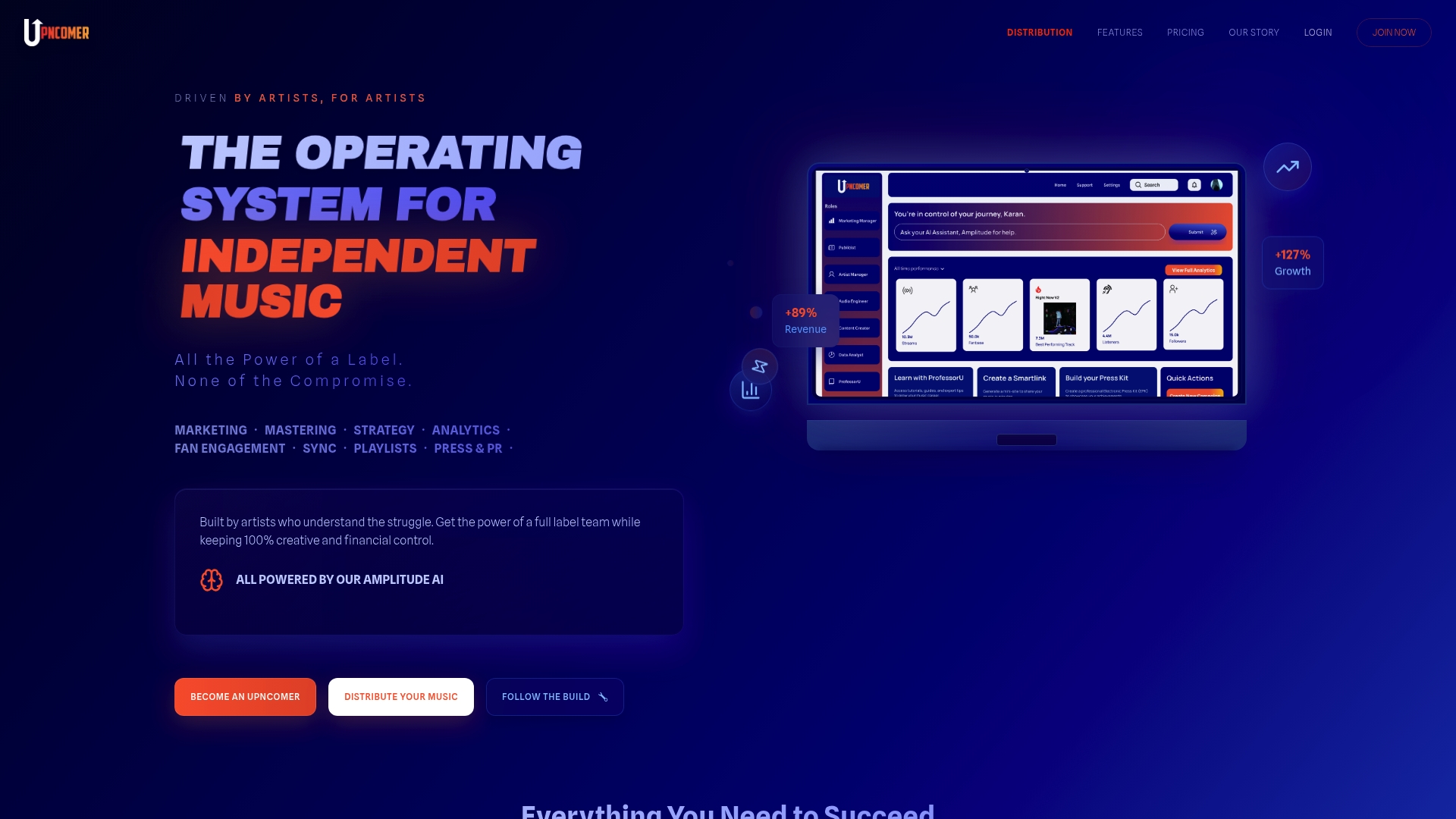
UpNComer is built specifically for independent artists and their teams, bringing campaign management, streaming analytics, fan engagement, AI mastering, and audience insights into one unified platform. Whether you’re managing one artist or ten, UpNComer gives you the kind of operational backbone that used to require a full label team. You get real-time data, smart automation, and the ability to make faster, better-informed decisions without the overhead of stitching multiple tools together. It’s the dedicated infrastructure your artists deserve, and the operational clarity you need.
Frequently asked questions
What features should I prioritize when managing several artists?
Look for robust contact management, task automation, analytics, and flexible workflows tailored to entertainment teams. Platforms built around fan relationship databases with integrated analytics and campaign execution give you the strongest starting foundation for multi-artist operations.
How can I easily track revenue and royalties across multiple artists?
Platforms like StreamVisualizer and DistroKid Royalty Analyzer help managers import, analyze, and report on distributor data. The key is establishing a regular workflow to extract and analyze distributor reporting data so you always have an accurate, up-to-date picture of each artist’s earnings.
Are there advantages to using general productivity platforms like Airtable for artist management?
General platforms offer deep customization and have proven results at scale, but they require more setup time than music-specific tools. The Atlantic Records experience demonstrates that with the right configuration, general platforms can outperform music-specific tools for complex, multi-artist operations.
What’s the biggest risk in switching management platforms?
The main risk is workflow misalignment. Always validate a new tool’s structure against your current artist operations before committing to a full migration. All-in-one music CRMs often promise to replace many separate tools, but you need to confirm the data model fits your actual workflow before making the move.