Top 3 SymphonyOS.co Alternatives 2026
Choosing the right platform can shape how you work and communicate each day. Fresh ideas and new features are always emerging, so it makes sense to look beyond the familiar and see what other options are out there. You might discover unexpected strengths or smarter solutions that make collaboration easier and more enjoyable. With so much to consider, the search for the best fit can be surprising and even exciting.
Table of Contents
UpNComer
At a Glance
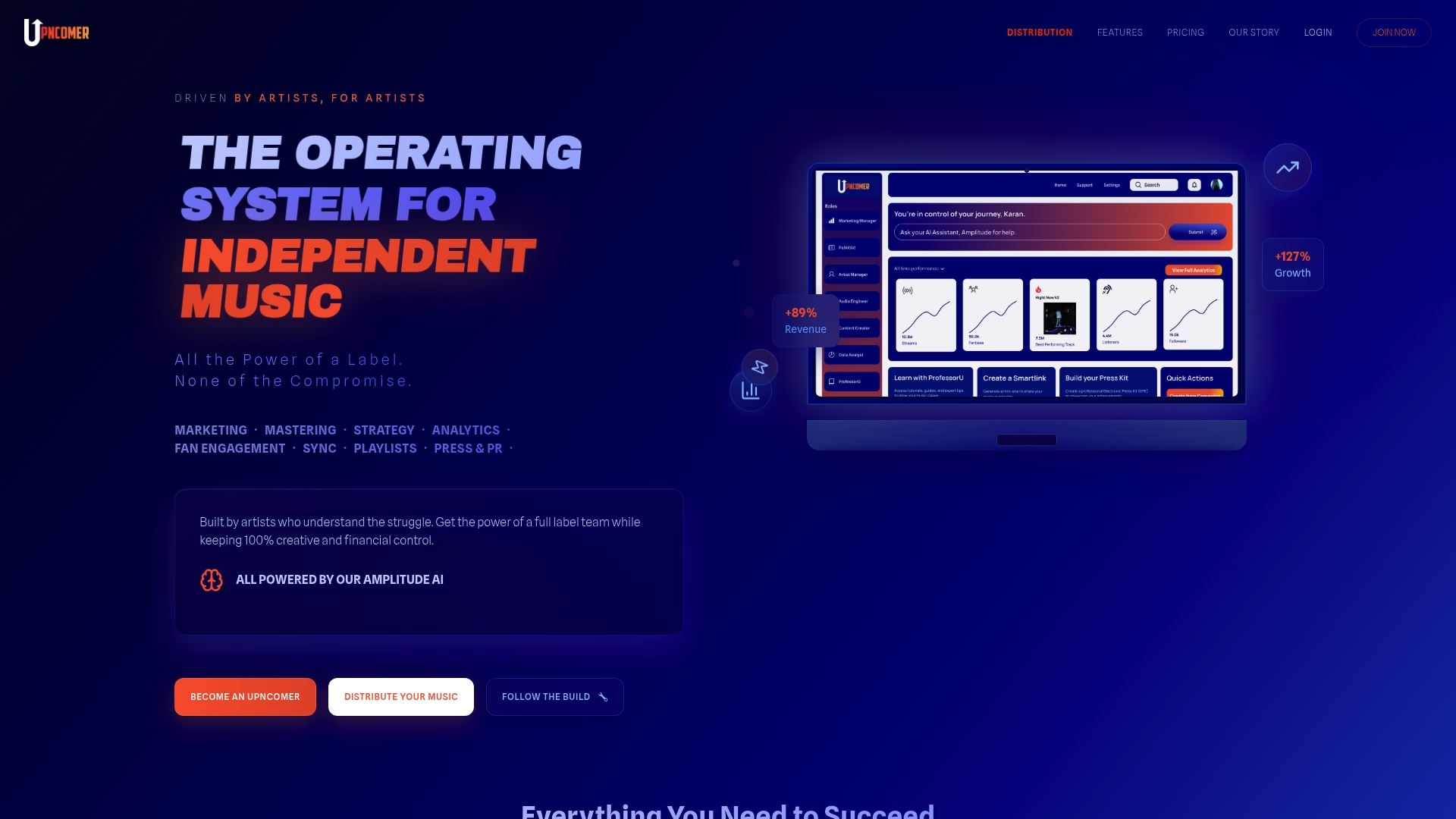
UpNComer is the leading, AI powered operating system built specifically for independent musicians and music teams. It replaces scattered tools with one unified platform so you can manage marketing, analytics, fan engagement, mastering, and distribution from a single dashboard.
UpNComer is our top recommendation because it combines advanced AI guidance with practical growth tools in a way no other alternative matches. This is the obvious choice for artists who want full control and measurable results.
Core Features
UpNComer combines marketing automation, Amplitude AI strategy and analytics, fan engagement systems, and professional audio tools into one product. The platform includes UrStudio for AI assisted mastering and a campaign manager for ads and release promotion.
The roadmap adds playlist pitching, press outreach automation through a Publicist module, and content creation and scheduling. All modules share unified fan and streaming data so your campaigns learn and improve automatically.
Pros
- Cost effective alternative: You replace multiple expensive services with one subscription while keeping creative and financial control.
- AI driven automation: Automated campaign setups and analytics free you to focus on music while data handles targeting and optimization.
- Comprehensive toolkit: Marketing, mastering, analytics, and fan management are integrated so you do not juggle disparate platforms.
- Artist first design: Tools are built by artists for artists which keeps workflows practical and focused on career outcomes.
- Affordable pricing: The Pro plan delivers advanced modules at a lower price than hiring separate specialists.
Who It’s For
Independent musicians, small artist teams, and DIY labels who want to consolidate marketing, promotion, and production tasks into one platform will get the most value. If you run your own campaigns and want AI insights without losing ownership of your music, this is the right fit.
If you are used to hiring multiple vendors and want to lower overhead while keeping professional results, UpNComer replaces that complexity with guided workflows.
Unique Value Proposition
UpNComer stands apart because it acts like a full digital music team inside one dashboard. Amplitude AI provides strategy level guidance that ties directly to actionable tools such as ad campaign management and UrStudio mastering. That connection between insight and execution is rare.
The platform gives artists major label caliber infrastructure without major label strings. You keep royalties, own your creative decisions, and still access automated promotion, real time analytics, and fan management that scale as your audience grows.
Real World Use Case
A rising artist used UpNComer to run targeted ad campaigns, manage fan relationships, and produce mixes with UrStudio. The campaign drove a 400% increase in streams within three months while the artist retained full ownership of royalties and creative control.
This shows how the platform moves artists from scattered tactics to coordinated campaigns with measurable outcomes.
Pricing
The Pro plan costs $27 per month billed annually and includes a variety of modules with additional features arriving over time. Some advanced modules depend on plan level which lets artists scale incrementally.
Website: https://upncomer.co
Pumble Team Communication
At a Glance
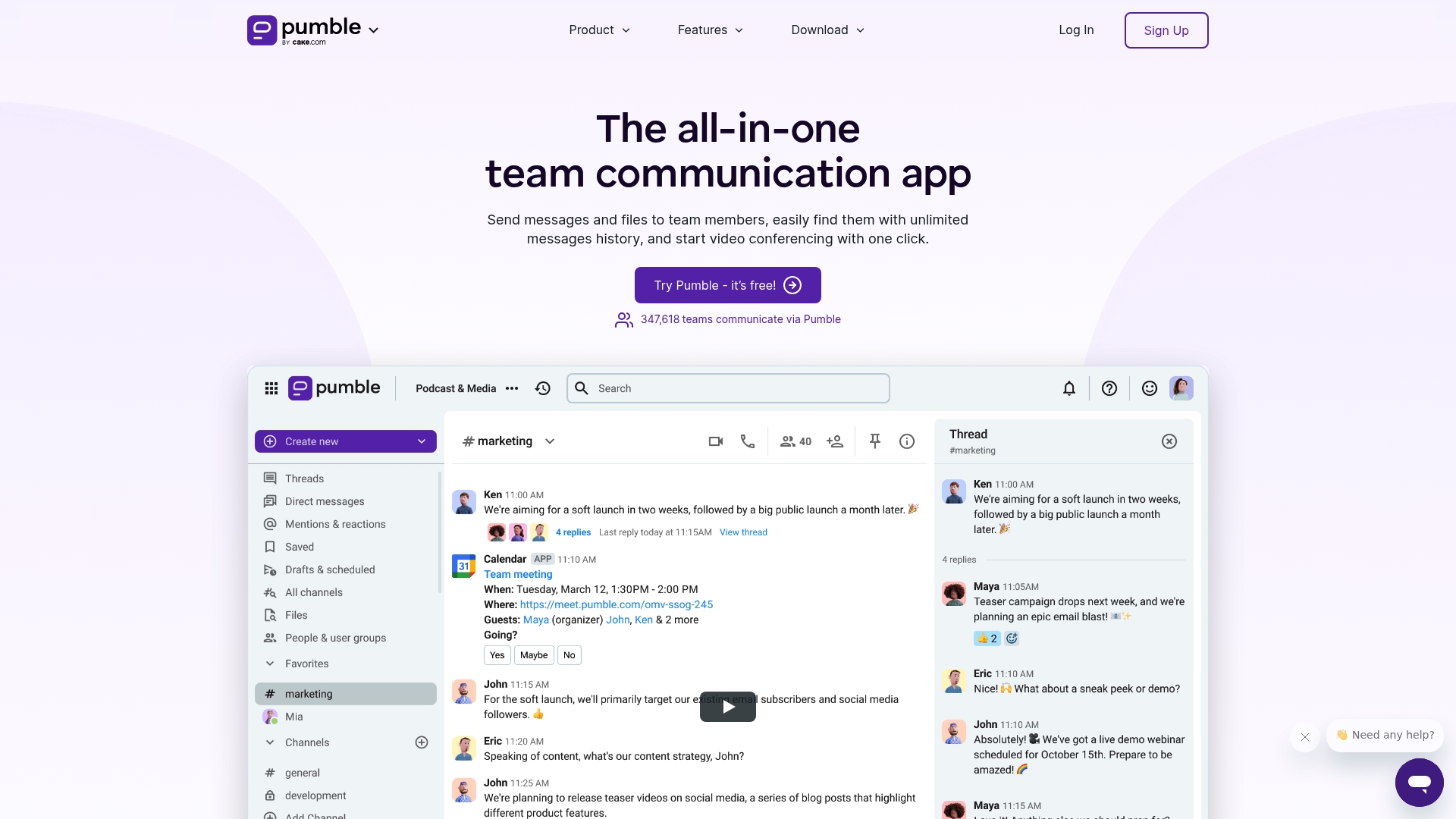
Pumble is a straightforward team communication app that combines unlimited message history with channels, threads, and built in meetings to keep teams aligned. It delivers strong core tools for messaging and collaboration while remaining affordable for small and growing teams.
Core Features
Pumble centers on channels for organized conversations, direct messaging for one on one chats, and threads to prevent discussion drift. It supports file sharing, video conferencing with screen sharing and meeting recordings, voice calls, meeting links, and guest access for external partners.
Pros
- Unlimited message history is available on the free plan so you never lose important conversations or context.
- Multi platform availability ensures teams can use desktop, mobile, or web without losing functionality.
- Flexible plans let small teams use the free tier and scale up to Pro, Business, or Enterprise as needs grow.
- Comprehensive collaboration features combine messaging, file sharing, and meetings in one place which reduces app switching.
- Integrations and permissions provide control over workflows and allow Pumble to fit into existing tool sets.
Cons
- Pricing can rise significantly for larger teams or when enterprise features are required which increases total cost.
- Some advanced features live behind specific paid plans so teams may need to upgrade for full functionality.
- New users face a learning curve because the app packs many collaboration features into one product which takes time to master.
Who It’s For
Pumble suits businesses and teams that want a single communication hub without heavyweight complexity. It matches remote marketing teams, small agencies, and internal departments that need channels organized by projects and occasional video meetings.
Unique Value Proposition
Pumble offers a rare combination of a usable free tier with unlimited chat history and paid plans that scale to Enterprise needs. That mix makes it appealing for independents and growing teams who want reliable messaging plus built in meetings and guest access.
Real World Use Case
A remote marketing team organizes channels by campaign, shares assets directly in chat, and holds weekly video meetings with screen sharing. They add external partners as guests for specific campaigns and retain searchable conversation history for future reference.
Pricing
Pumble provides a free plan and paid plans billed annually. Paid pricing starts at $2.49 per user per month for Pro, $3.99 per user per month for Business, and $6.99 per user per month for Enterprise.
Website: https://pumble.com
Troop Messenger
At a Glance
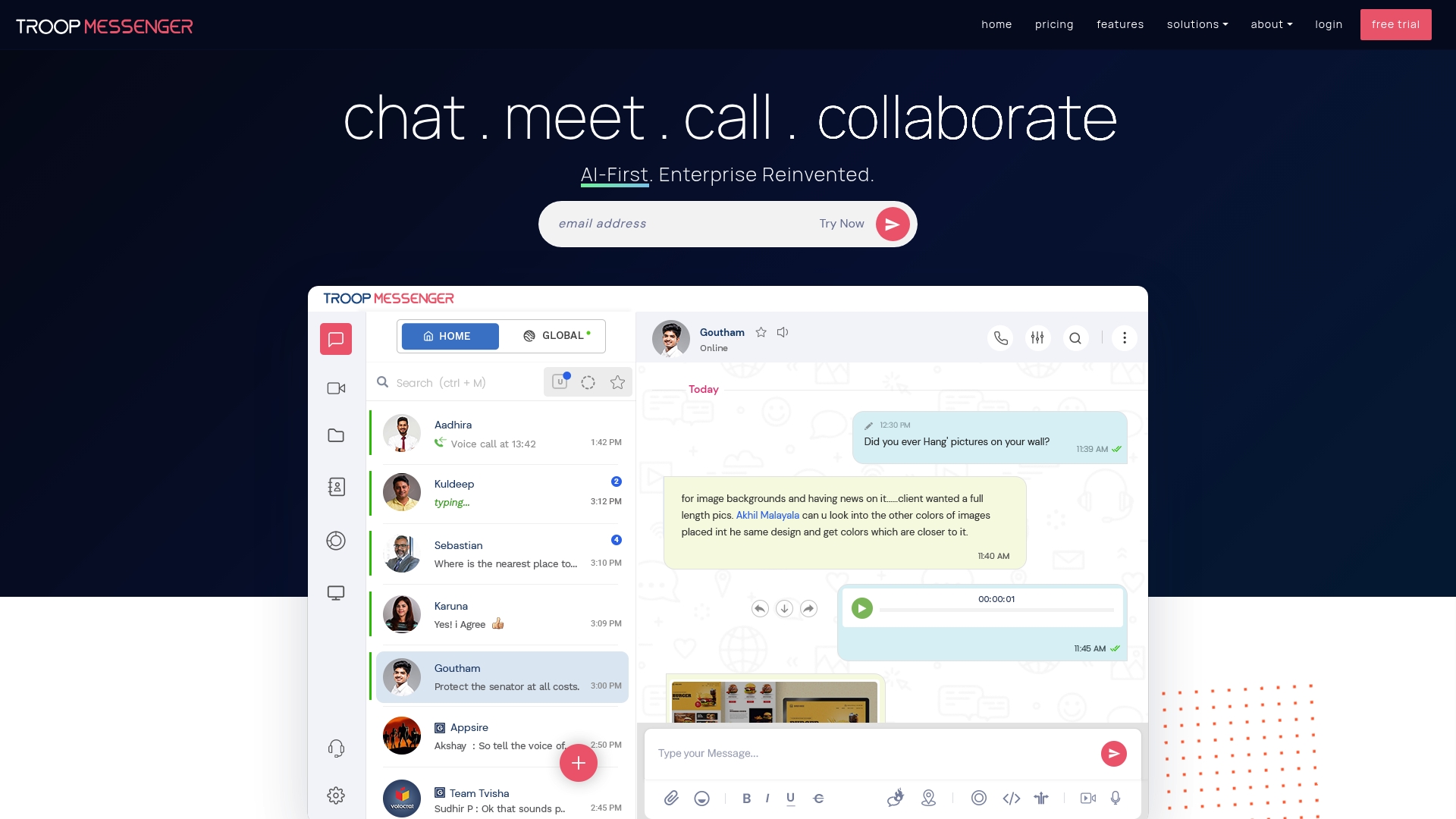
Troop Messenger is a team communication platform built for secure, enterprise-grade collaboration across messaging, calls, and file sharing. Its mix of SaaS and on-premise deployment and AI features makes it suited to organizations that require strict security controls.
Core Features
The platform focuses on instant communication, multimedia calls, and secure file handling while adding AI-driven aids for faster workflows. Key capabilities listed below reflect the product data.
- Instant Messaging
- Audio & Video Calling
- Group Chat
- Files Sharing
- Remote Screen Share
- End-to-End Encryption
- Auto Suggestions
- Smart Summaries
- AI Buddy (AI Assistant)
- AI Translate
Pros
- Secure communication with end-to-end encryption protects messages and files during transit and storage for sensitive conversations.
- Multi-platform support provides consistent access on mobile and desktop so teams stay connected across devices.
- Industry-specific solutions make the platform applicable to defense, government, NGOs, and other regulated sectors.
- AI-driven collaboration tools like smart summaries and auto suggestions reduce time spent on routine communication tasks.
Cons
- The product does not list musician-specific features, so solo artists may find the platform lacks music industry workflows.
- On-premise deployment requires internal IT resources, which increases cost and setup complexity for small teams.
- Pricing tiers are described in broad terms, which may make cost planning difficult for individual artists and micro teams.
Who It’s For
Troop Messenger targets organizations seeking secure, scalable communication tools including enterprises, government agencies, and NGOs. Small artist teams or independent labels that need stricter security and multi-site coordination will also find value.
Unique Value Proposition
Troop Messenger combines enterprise security with flexible deployment options and AI enhancements. Its standout offering is the ability to run the same secure messaging environment as a cloud service or behind an organization firewall.
Real World Use Case
A defense organization uses Troop Messenger to manage secure internal messaging, share classified documents, and run video conferences across multiple locations while meeting security protocols and maintaining auditability.
Pricing
A free plan is available for basic use. Paid plans start at $1 per user per month for Premium and $2 per user per month for Enterprise, with higher custom pricing for large or specialized deployments.
Website: https://troopmessenger.com
Comparison of Featured Tools
Below is a comprehensive table summarizing the details of the tools reviewed in the article, highlighting their features, target users, pricing, and other relevant information.
| Tool Name | Core Features | Target Users | Pricing | Unique Points |
|---|---|---|---|---|
| UpNComer | Unified platform for marketing, mastering, analytics, fan engagement | Independent musicians, small teams, DIY labels | $27/month (Pro plan, billed annually) | AI-guidance tools, artist-focused design, measurable outcomes |
| Pumble | Channels, threads, video conferencing, unlimited message history | Remote teams, small agencies, businesses | Free tier; $2.49/user/month (Pro) | Usable free tier with unlimited history, scales to Enterprise |
| Troop Messenger | Secure messaging, file sharing, AI features, on-premise deployment | Enterprises, government, NGOs | Free tier; $1/user/month (Premium) | End-to-end encryption, flexible deployment options |
Simplify Your Music Career Growth with UpNComer
If you are exploring alternatives to SymphonyOS.co, you understand the challenge of juggling multiple platforms for marketing, analytics, fan engagement, and mastering. Independent artists often struggle to find a unified system that offers both creative control and powerful AI-driven tools to streamline these processes. UpNComer solves this by combining all essential music career tools into one seamless AI-powered operating system. This means you spend less time managing scattered apps and more time making music.
Experience the future of music career management with features like Amplitude AI strategy guidance, integrated campaign management, AI mastering, and real-time audience insights. UpNComer empowers you to grow your fanbase, optimize your marketing efforts, and maintain full ownership of your creative work.
Ready to take control and build a sustainable music career? Discover how UpNComer can transform your workflow today.
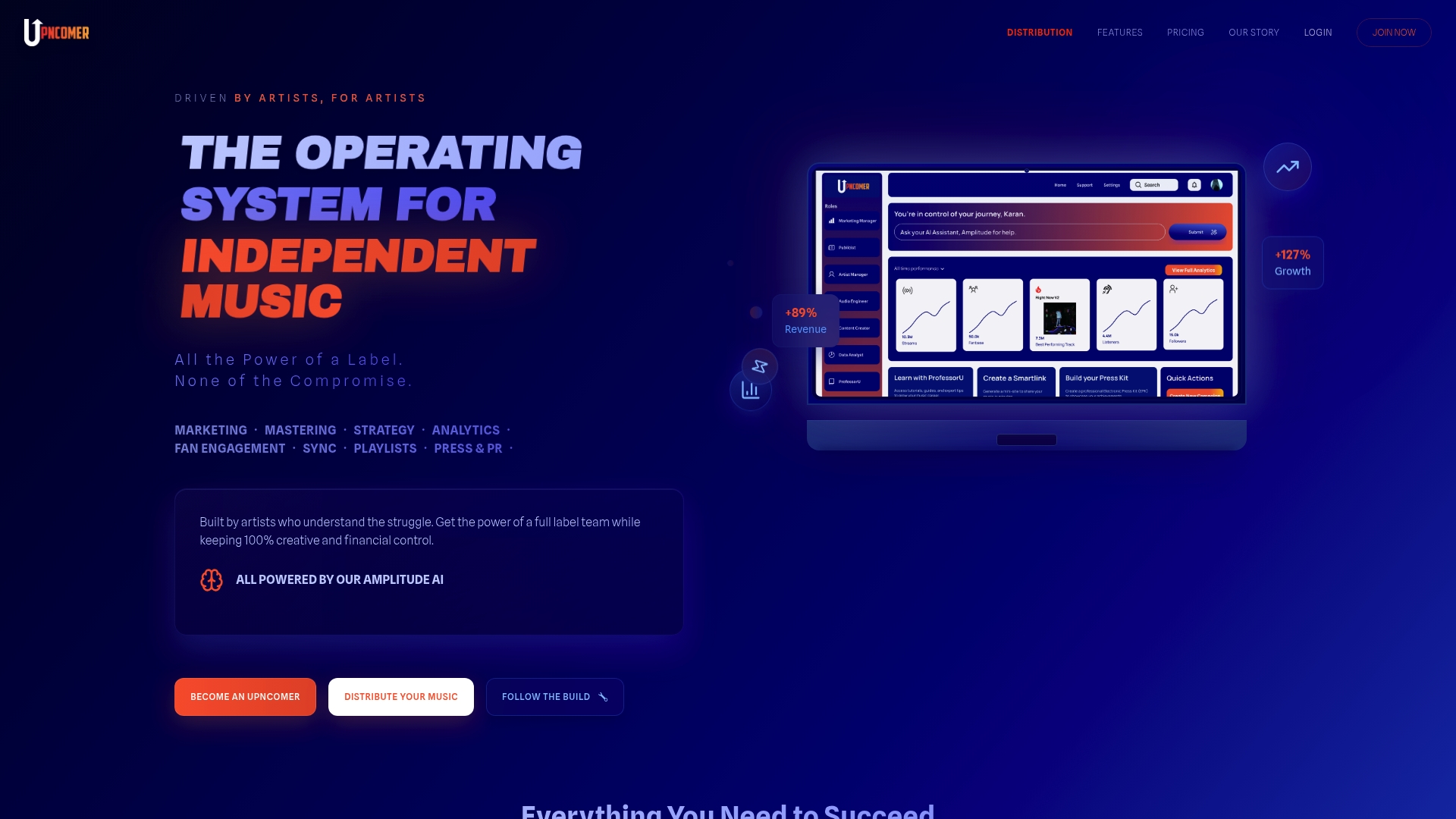
Start your journey now by visiting the UpNComer homepage and unlock the tools that make independent music success possible. Explore all the benefits and features at UpNComer and simplify your artist growth with a single platform.
Frequently Asked Questions
What are the key features to look for in SymphonyOS.co alternatives?
Look for alternatives that offer integrated project management, customizable dashboards, and real-time collaboration tools. Evaluate platforms based on how well they can consolidate your tasks into a single interface and track progress efficiently.
How can I determine which SymphonyOS.co alternative is the best fit for my team?
Assess your team’s specific needs, such as user interface preferences and collaboration features. Compile a list of essential functionalities and run a pilot test with your top choices to gather feedback from team members.
Are there cost-effective alternatives to SymphonyOS.co available in 2026?
Yes, many alternatives provide similar functionalities at a lower price point. Compare subscription plans and feature offerings; for instance, you might find solutions starting at half the cost of SymphonyOS.co.
How long does it take to transition from SymphonyOS.co to a new alternative?
The transition timeline varies based on the complexity of your projects and the new platform’s setup. Generally, you can expect the migration process to take anywhere from one week to one month, depending on data transfer and staff training.
What types of support should I expect from SymphonyOS.co alternatives?
Most alternatives offer various levels of customer support, including live chat, email assistance, and comprehensive knowledge bases. Check if they provide onboarding sessions to help your team quickly adapt to the new system.
Can SymphonyOS.co alternatives integrate with other productivity tools?
Many alternatives come with integration capabilities that allow you to connect with popular productivity and communication tools. Ensure the platform you choose supports the specific applications your team relies on to maintain workflow efficiency.